 RageKit
What is a YBN file and how do you open one?
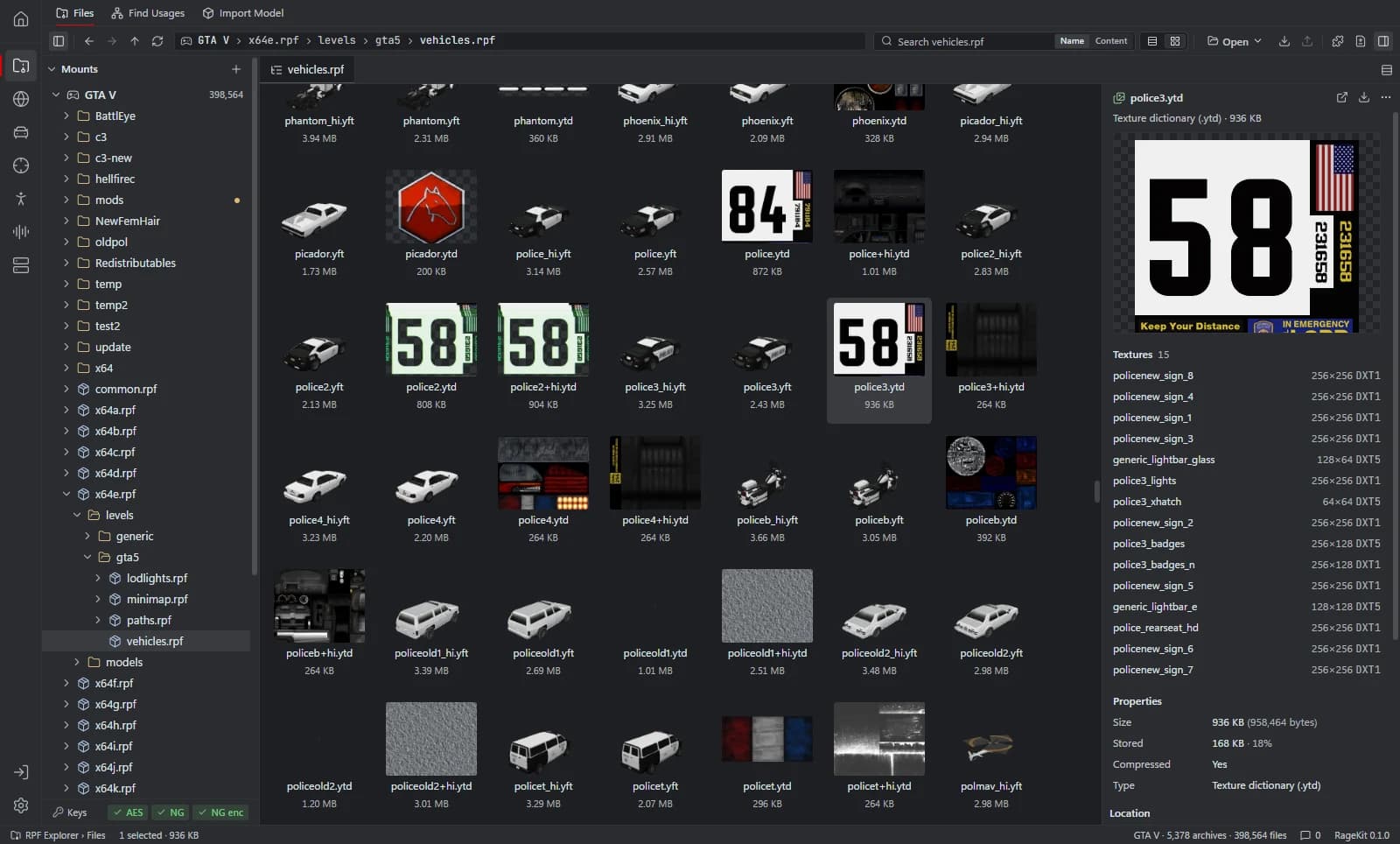
A .ybn file holds GTA V static collision, called bounds: the shapes players, vehicles and bullets collide with. A model without collision can be walked through. RageKit opens a .ybn in a 3D collision view with an edit mode, and its Model Import generates collision for a model, stored in the model, as a .ybn, or both.
What's inside a .ybn file
- Collision shapes: boxes, spheres, capsules, cylinders and triangle meshes.
- A material per shape or polygon, which sets the surface type (concrete, grass, metal and so on).
- A composite that groups several shapes into one file.
How to open a .ybn file
Open where the file is
In the RPF Explorer choose Open GTA V to browse the game's archives, Open RPF… (Ctrl+O) for a single archive, or Open folder… for loose files such as a FiveM resource. Dropping an
.rpfor a folder onto the window opens it too.Select the .ybn
The 3D view draws the collision shapes.
Edit it
With Premium, switch to Edit to change the bounds, then save. Game files are read-only. To change one, choose Copy to mods first: the archive is copied into the
mods/folder and the original stays as it was.See collision on the map
In the World Viewer, turn on the collision overlay to see bounds over the 3D map.
What RageKit does with .ybn files
- View collision in 3D, on its own or over a model
- Edit bounds in the collision editor (Premium)
- Generate collision from primitives and hulls, a simplified mesh or a bounding box in Model Import (Premium)
- Use your own
UCX_or_colmeshes as collision - Bake a map's collision into one static
.ybnin Map Studio (Premium)
Tools that read and write .ybn
| Tool | RageKit | Notes |
|---|---|---|
| RPF Explorer | Reads and writes | Collision view; the edit mode needs Premium |
| Model Import | Writes | Static collision |
| Map Studio | Writes | Optional baked collision |
| World Viewer | Reads | Collision overlay |
Questions
Why can I walk through my custom prop?
It has no collision. Collision is either embedded in the model or a .ybn with the same name. Model Import can generate it when you convert the model, and the collision editor can generate a .ybn for an existing model. Both need Premium.
What program opens YBN files?
RageKit's RPF Explorer opens .ybn files in a 3D collision view for free. Its edit mode needs Premium.
Does every model need a separate YBN?
No. Collision can be embedded in a .ydr or .yft. Model Import can store it in the model, as a .ybn, or both.
Guides
- How to convert FBX to YDR for GTA VConvert an FBX, OBJ or glTF model into a GTA V .ydr with shaders, a texture dictionary, LODs and collision, without 3ds Max. Step by step.
- How to make a custom map (ymap) for FiveMPlace props and your own models, build an MLO interior if you need one, generate LODs, and build the ymap and ytyp into a FiveM map resource.
Related file formats
- .ydr · drawableA YDR file is a GTA V drawable: one 3D model with its shaders and LODs. How to open and view .ydr files, export them to GLB and make one from FBX or OBJ.
- .yft · fragmentA YFT file is a GTA V fragment: a model with physics, used for vehicles and breakable objects. How to open and view .yft files and export them to GLB.
- .ymap · map dataA YMAP file is GTA V map data: where objects are placed in the world. How to open, view and edit .ymap files, convert them to XML and build one for FiveM.
- .ytyp · archetype definitionsA YTYP file defines GTA V archetypes: what each placeable object and MLO interior is. How to open and edit .ytyp files as XML and build one for FiveM.
- GlossaryEvery GTA V modding format and term on one page
Open .ybn files with RageKit
Free download for Windows 10 and 11. No account needed for the free tools.
There's no Windows installer on the latest release yet. Check the changelog for when it lands.