 RageKit
What is a YDR file and how do you open one?
A .ydr file is a GTA V drawable: one 3D model with its shaders, levels of detail and, optionally, embedded textures and collision. Props and most static objects are YDR files. RageKit opens a .ydr in a 3D viewer with its textures and materials, exports it as .glb, and its Model Import makes new YDR files from FBX, OBJ and glTF models.
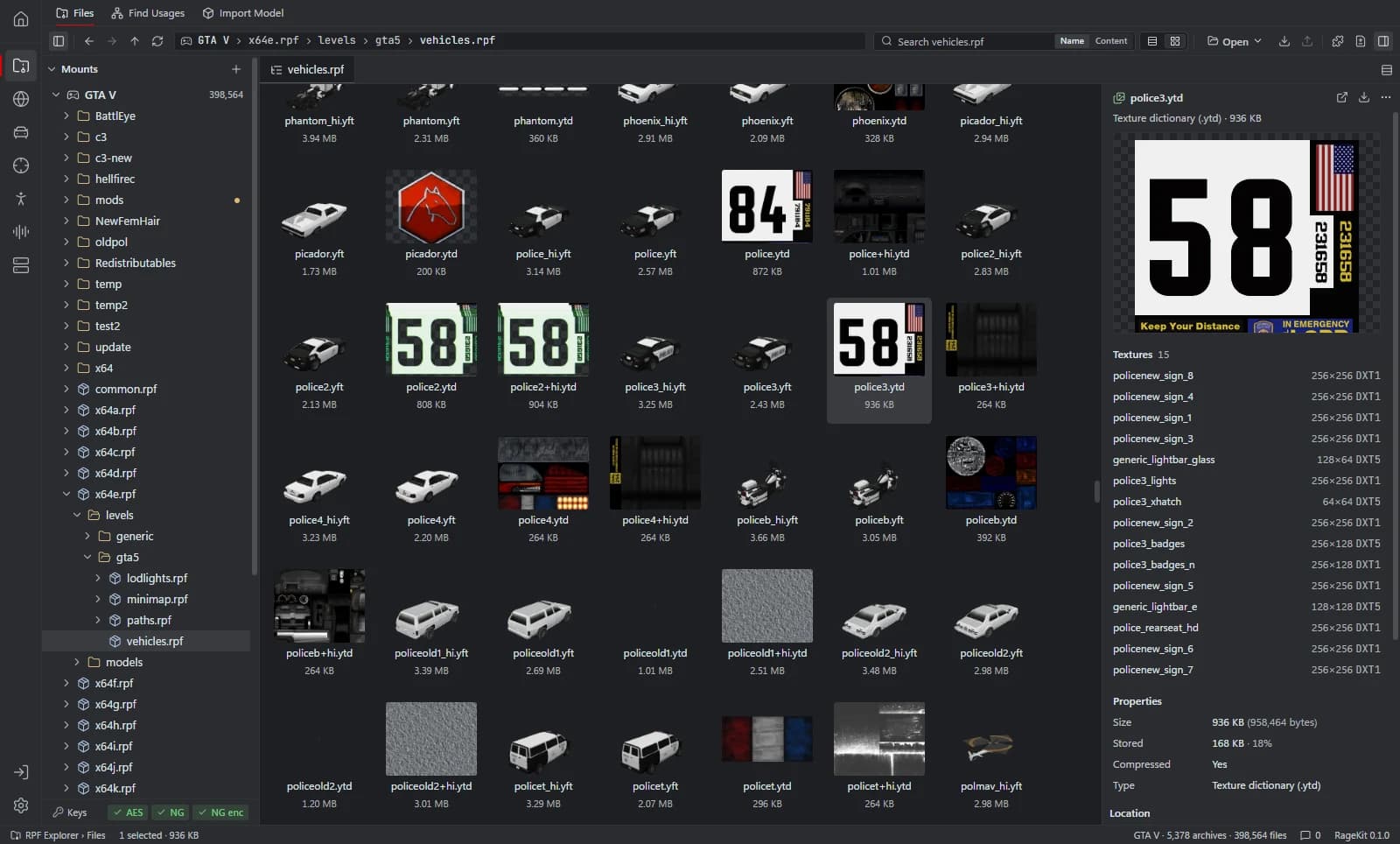
What's inside a .ydr file
- The model's geometry, split by shader (material).
- Up to four levels of detail (high, medium, low, very low).
- Shader settings, and the names of the textures each one uses.
- Optionally an embedded texture dictionary and embedded collision.
How to open a .ydr file
Open where the file is
In the RPF Explorer choose Open GTA V to browse the game's archives, Open RPF… (Ctrl+O) for a single archive, or Open folder… for loose files such as a FiveM resource. Dropping an
.rpfor a folder onto the window opens it too.Select the .ydr
The 3D view shows the model. Textures lists the textures it uses and Collision shows its bounds.
Inspect or edit materials
The material editor shows each shader and its parameters and textures. Viewing is free; editing needs Premium.
Export it
Choose Export this file. Converted writes a
.glbyou can open in a 3D app; the other option copies the.ydrout as it is.
What RageKit does with .ydr files
- View the model in 3D with its textures, LODs and collision
- Edit materials: shaders, parameters and textures (Premium)
- Export to
.glb - Create a
.ydrfrom.fbx,.obj,.gltfor.glbwith Model Import (Premium) - Place your own
.ydrmodels on the map in Map Studio (Premium) - Find every map and archetype that uses a model
Tools that read and write .ydr
| Tool | RageKit | Notes |
|---|---|---|
| RPF Explorer | Reads | 3D preview, export to .glb; material editing needs Premium |
| Model Import | Writes | Drawable (props and static models) |
| Map Studio | Reads | Your own models, renamed to their archetype names |
| Find Usages and hash lookup | Reads | Models and the textures their shaders use |
| World Viewer | Reads | Models and textures rendered in 3D |
| Weapon Studio | Reads | Weapon model and textures |
Questions
What program opens YDR files?
RageKit's RPF Explorer opens .ydr files in a 3D viewer, whether they're inside a game archive or loose in a folder. It's free for Windows.
Can I convert a YDR to something Blender opens?
Yes. Export the file as Converted and RageKit writes a .glb, which Blender and most 3D apps import.
How do I convert FBX or OBJ to YDR?
Use Model Import, which needs Premium: open the .fbx, .obj or .gltf, choose Drawable as the output and save. See Convert FBX to YDR.
What's the difference between YDR and YFT?
A .ydr is a plain model. A .yft is a fragment: a model with physics, used for vehicles and breakable objects.
Guides
- How to convert FBX to YDR for GTA VConvert an FBX, OBJ or glTF model into a GTA V .ydr with shaders, a texture dictionary, LODs and collision, without 3ds Max. Step by step.
- GTA V file formats explained: RPF, YDR, YTD, YFT and YMAPWhat RPF, YDR, YDD, YFT, YTD, YBN, YMAP and YTYP files are, how they fit together, and which RageKit tool opens or makes each one.
Related file formats
- .ydd · drawable dictionaryA YDD file is a GTA V drawable dictionary: several models in one file, used for ped clothing, heads and hair. How to open, view and make .ydd files.
- .yft · fragmentA YFT file is a GTA V fragment: a model with physics, used for vehicles and breakable objects. How to open and view .yft files and export them to GLB.
- .ytd · texture dictionaryA YTD file is a GTA V texture dictionary. How to open and view .ytd files, export textures to PNG or DDS, replace a texture and shrink oversized ones.
- .ybn · collision boundsA YBN file is GTA V static collision: the shapes players and vehicles collide with. How to open, view and edit .ybn files, and generate one for a model.
- .ytyp · archetype definitionsA YTYP file defines GTA V archetypes: what each placeable object and MLO interior is. How to open and edit .ytyp files as XML and build one for FiveM.
- GlossaryEvery GTA V modding format and term on one page
Open .ydr files with RageKit
Free download for Windows 10 and 11. No account needed for the free tools.
There's no Windows installer on the latest release yet. Check the changelog for when it lands.