 RageKit
What is a GXT2 file and how do you edit one?
A .gxt2 file is a GTA V text table. It holds the strings the game shows on screen, such as vehicle names and menu text, each stored under the joaat hash of its label. RageKit opens a .gxt2 as a list of strings, has an editor that works as LABEL = text lines, and its hash lookup shows the text behind a label.
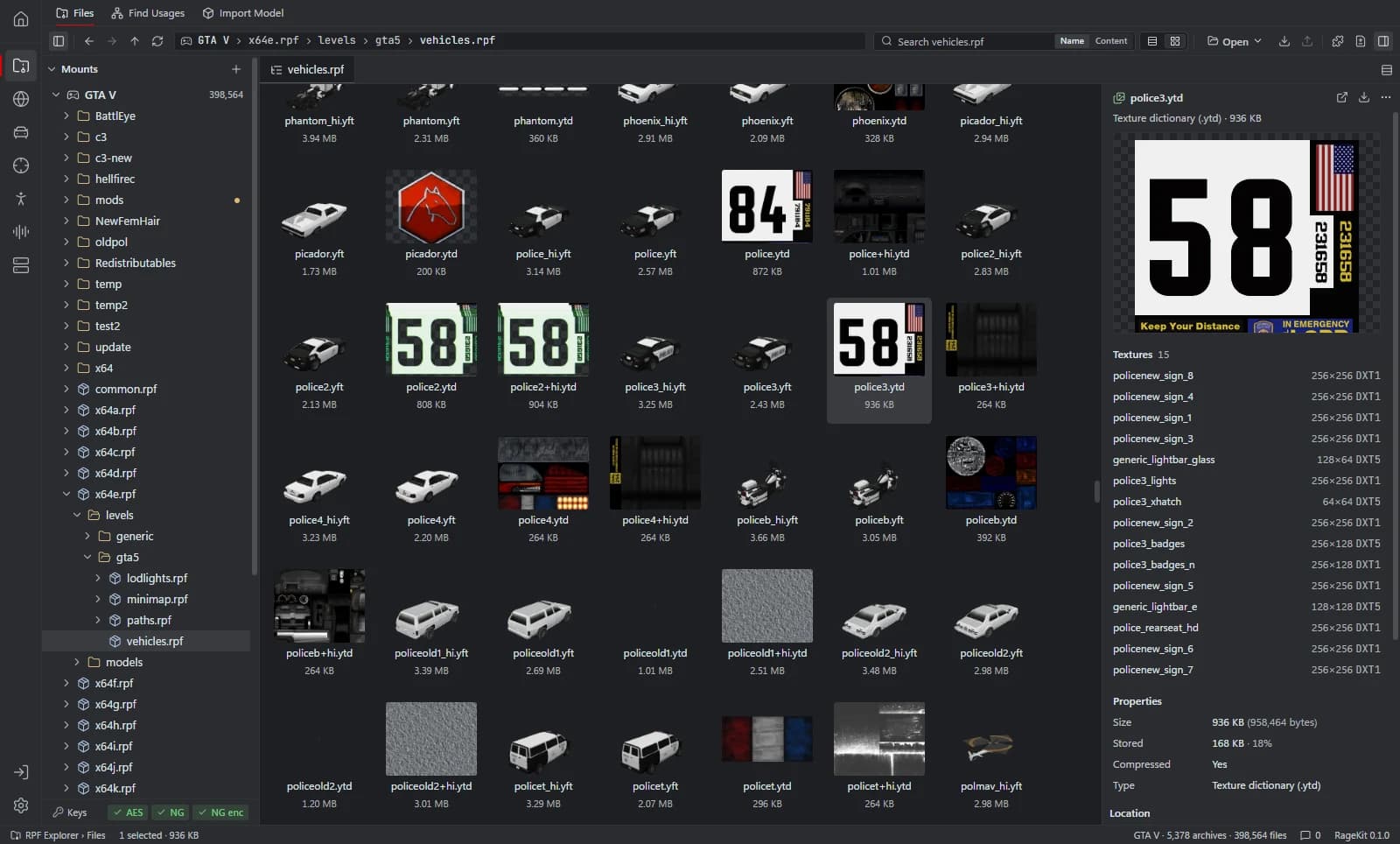
What's inside a .gxt2 file
- Entries: a 32-bit hash of the label and the text shown for it.
- One table per language; the game loads the set for the language it runs in.
How to open a .gxt2 file
Open where the file is
In the RPF Explorer choose Open GTA V to browse the game's archives, Open RPF… (Ctrl+O) for a single archive, or Open folder… for loose files such as a FiveM resource. Dropping an
.rpfor a folder onto the window opens it too.Select the .gxt2
The Strings view lists every entry.
Edit it
Switch to Edit, change or add
LABEL = textlines and save. Game files are read-only. To change one, choose Copy to mods first: the archive is copied into themods/folder and the original stays as it was.Look up a label
In RPF Explorer › Find Usages, the hash lookup shows a hash's known name and its GXT2 label text.
What RageKit does with .gxt2 files
- List every string in a text table
- Edit entries as
LABEL = textand save - Show the GXT2 text behind a label or hash
- Write
global.gxt2shop names for a tattoo DLC pack in Tattoo Studio (Premium)
Tools that read and write .gxt2
| Tool | RageKit | Notes |
|---|---|---|
| RPF Explorer | Reads and writes | Text tables, edited as LABEL = text |
| Tattoo & Overlay Studio | Writes | Shop names in DLC packs (FiveM gets an AddTextEntry script) |
Questions
How do I change a vehicle's name in game?
The name shown is a text entry looked up by the vehicle's gameName label. In singleplayer that entry lives in a .gxt2; on FiveM it's usually added from a script with AddTextEntry.
What program opens GXT2 files?
RageKit's RPF Explorer lists and edits them.
Why are entries shown as hashes?
The file stores only the joaat hash of each label, not the label. RageKit shows the label where the name is known.
Guides
Related file formats
- .meta · meta data fileA .meta file is a GTA V data file in XML: handling.meta, vehicles.meta, weapons.meta, peds.meta and more. How to open and edit them, with or without XML.
- .rpf · RPF archiveAn RPF file is a GTA V archive that holds the game's models, textures, maps and data. How to open, extract and edit .rpf files on Windows for free.
- .ymt · binary metadataA YMT file is GTA V binary metadata, used for clothing variations, scenarios and more. How to open a .ymt as XML, edit it and save it back to binary.
- GlossaryEvery GTA V modding format and term on one page
Open .gxt2 files with RageKit
Free download for Windows 10 and 11. No account needed for the free tools.
There's no Windows installer on the latest release yet. Check the changelog for when it lands.