 RageKit
What is a YMT file and how do you open one?
A .ymt file is GTA V metadata stored in a binary form (PSO or RBF) instead of XML text. Ped clothing variation info, scenario points and some vehicle data use it. RageKit opens a .ymt as XML, lets you edit it and saves it back to binary, and its Clothing, Ped and Scenario studios write the YMT files their packs need.
What's inside a .ymt file
- Structured data: the same kind of fields as a
.meta, in a binary layout. - For a ped: which components, drawables and textures it has, and its props.
- For scenarios: points, chains and the regions they belong to.
How to open a .ymt file
Open where the file is
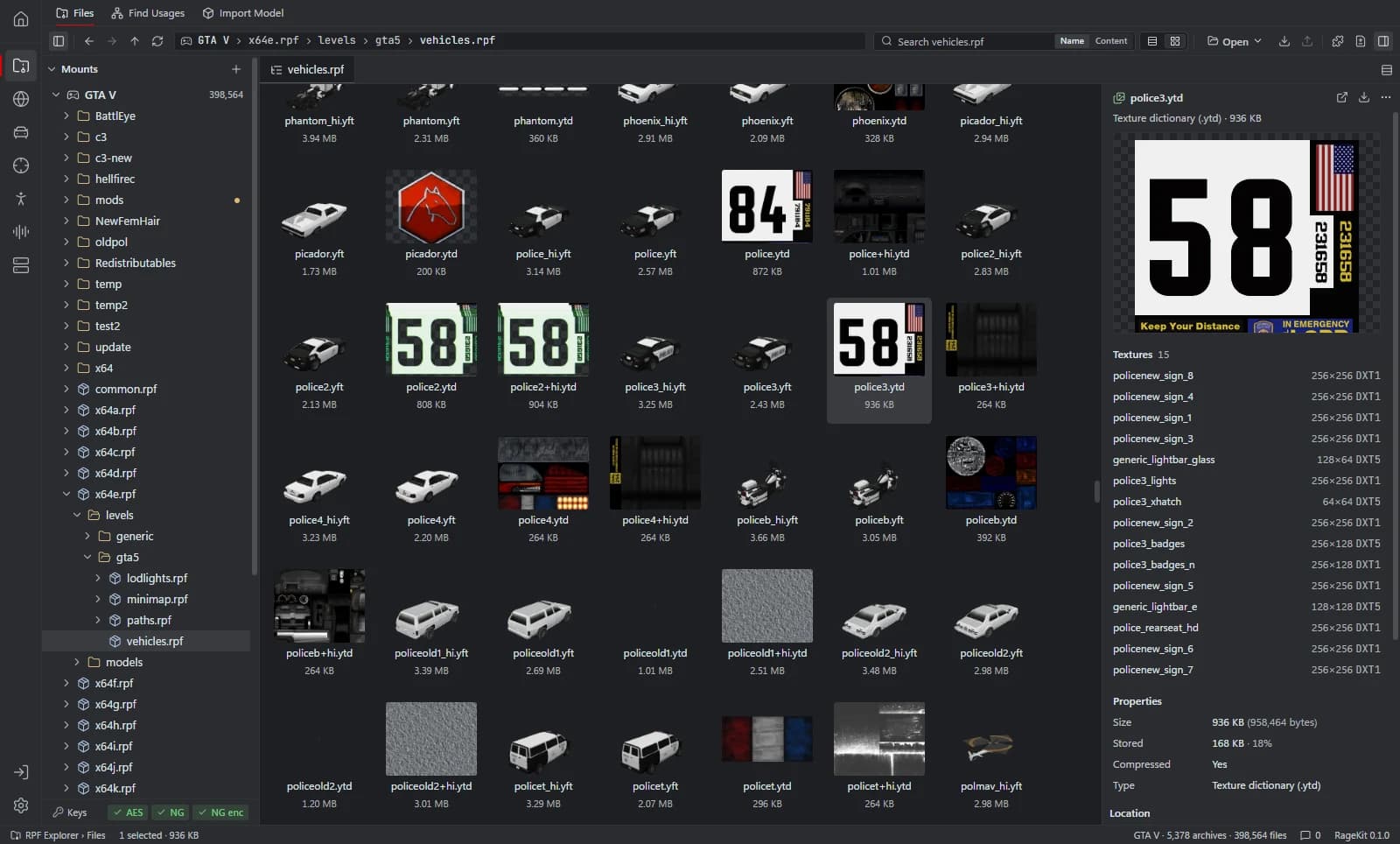
In the RPF Explorer choose Open GTA V to browse the game's archives, Open RPF… (Ctrl+O) for a single archive, or Open folder… for loose files such as a FiveM resource. Dropping an
.rpfor a folder onto the window opens it too.Select the .ymt
It opens as XML.
Edit and save
Change the XML and save; RageKit writes it back to the binary format. Game files are read-only. To change one, choose Copy to mods first: the archive is copied into the
mods/folder and the original stays as it was.Export it
Choose Export this file. Converted writes an XML file; the other option copies the
.ymtout as it is.
What RageKit does with .ymt files
- View and edit PSO and RBF metadata as XML and save it back to binary
- Export to XML
- Write the clothing
.ymtfor an addon clothing pack in Clothing Studio (Premium) - Edit scenario
.ymtfiles on the 3D map in Scenario Studio (Premium)
Tools that read and write .ymt
| Tool | RageKit | Notes |
|---|---|---|
| RPF Explorer | Reads and writes | Shown and edited as XML, saved back to binary |
| Clothing Studio | Writes | CPedVariationInfo, written without game files |
| Scenario Studio | Reads and writes | Scenario point regions |
| Ped Studio | Reads and writes | Model and a generated .ymt |
| Vehicle Studio | Reads and writes | Mod kits, sirens and lights |
Questions
What program opens YMT files?
RageKit's RPF Explorer shows a .ymt as XML and saves edits back to binary.
How do I convert a YMT to XML?
Select it and it's shown as XML. To get a file, choose Export this file and pick Converted.
What is the YMT in a clothing pack for?
It tells the game which drawables and textures each clothing component has. Clothing Studio writes it when you build a pack.
Guides
- How to make EUP clothing for FiveMBuild a FiveM addon clothing pack for the male and female freemode peds: add YDD and YTD files or import FBX, set slots, preview on a ped and build.
- GTA V file formats explained: RPF, YDR, YTD, YFT and YMAPWhat RPF, YDR, YDD, YFT, YTD, YBN, YMAP and YTYP files are, how they fit together, and which RageKit tool opens or makes each one.
Related file formats
- .meta · meta data fileA .meta file is a GTA V data file in XML: handling.meta, vehicles.meta, weapons.meta, peds.meta and more. How to open and edit them, with or without XML.
- .ydd · drawable dictionaryA YDD file is a GTA V drawable dictionary: several models in one file, used for ped clothing, heads and hair. How to open, view and make .ydd files.
- .ymap · map dataA YMAP file is GTA V map data: where objects are placed in the world. How to open, view and edit .ymap files, convert them to XML and build one for FiveM.
- .ytyp · archetype definitionsA YTYP file defines GTA V archetypes: what each placeable object and MLO interior is. How to open and edit .ytyp files as XML and build one for FiveM.
- GlossaryEvery GTA V modding format and term on one page
Open .ymt files with RageKit
Free download for Windows 10 and 11. No account needed for the free tools.
There's no Windows installer on the latest release yet. Check the changelog for when it lands.