 RageKit
What is a YNV file and how do you view one?
A .ynv file is a GTA V navigation mesh, or navmesh: polygons covering the surfaces peds can walk on, with flags, cover points and portals. Peds use it to find a route around the world. RageKit's Path Editor shows navmeshes over the 3D map, coloured by polygon flags. It views them only; it doesn't edit or generate navmeshes.
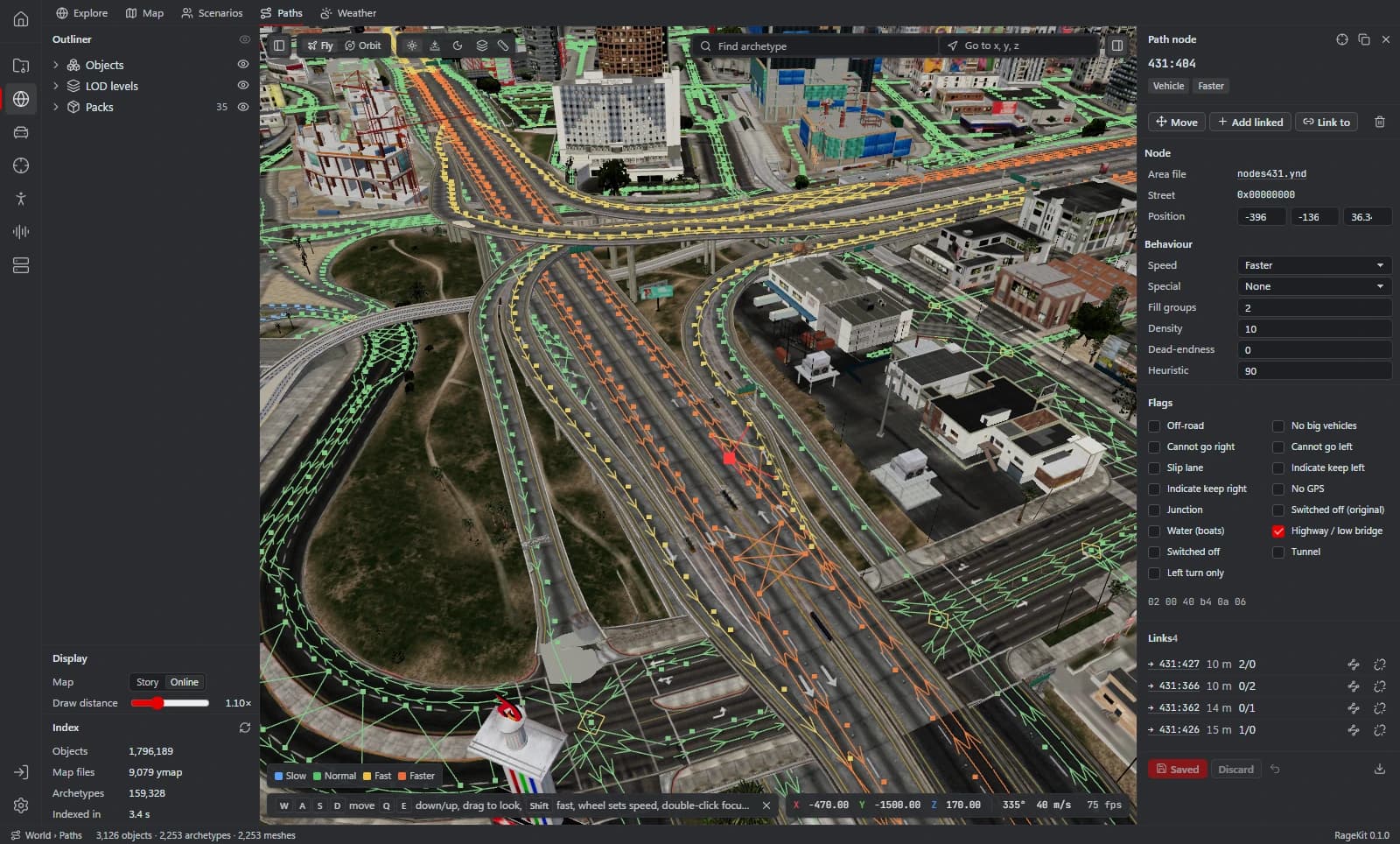
What's inside a .ynv file
- Polygons over walkable ground, each with flags (pavement, interior, water and so on).
- Cover points, where peds take cover.
- Portals that connect one mesh to the next.
How to open a .ynv file
Open the Paths tab
Open GTA V, then World › Paths.
Turn on the navmesh
Turn on the navmesh overlay. Cover points, interior navmesh and vehicle navmesh have their own overlays.
Inspect a polygon
Click a polygon to see its flags.
What RageKit does with .ynv files
- Show navmeshes over the 3D map, coloured by polygon flags
- Show cover points, interior navmesh and vehicle navmeshes
- Inspect a polygon's flags
Tools that read and write .ynv
| Tool | RageKit | Notes |
|---|---|---|
| Path Editor | Reads | Navmeshes, view only |
Questions
Can RageKit edit or generate navmeshes?
No. Navmeshes are shown for reference only. Path nodes (.ynd) can be edited.
Why won't peds walk into my custom interior?
Peds need a navmesh covering the floor to find a route. Without one they stop at the edge of the mesh they're on.
What program opens YNV files?
RageKit's Path Editor shows them over the 3D map.
Guides
Related file formats
- .ynd · path nodesA YND file holds GTA V path nodes: the roads and walkways traffic and peds follow. How to view and edit nodes.ynd files on the 3D map and save them.
- .ymap · map dataA YMAP file is GTA V map data: where objects are placed in the world. How to open, view and edit .ymap files, convert them to XML and build one for FiveM.
- .ybn · collision boundsA YBN file is GTA V static collision: the shapes players and vehicles collide with. How to open, view and edit .ybn files, and generate one for a model.
- GlossaryEvery GTA V modding format and term on one page
Open .ynv files with RageKit
Free download for Windows 10 and 11. No account needed for the free tools.
There's no Windows installer on the latest release yet. Check the changelog for when it lands.