 RageKit
GTA V particle effect (YPT) editor
RageKit opens GTA V particle dictionaries (.ypt) from the RPF Explorer. You can edit effect, emitter and particle rules, their behaviours and keyframe curves, preview the result with a CPU simulation, and save it as a project that builds into a FiveM resource or singleplayer pack.
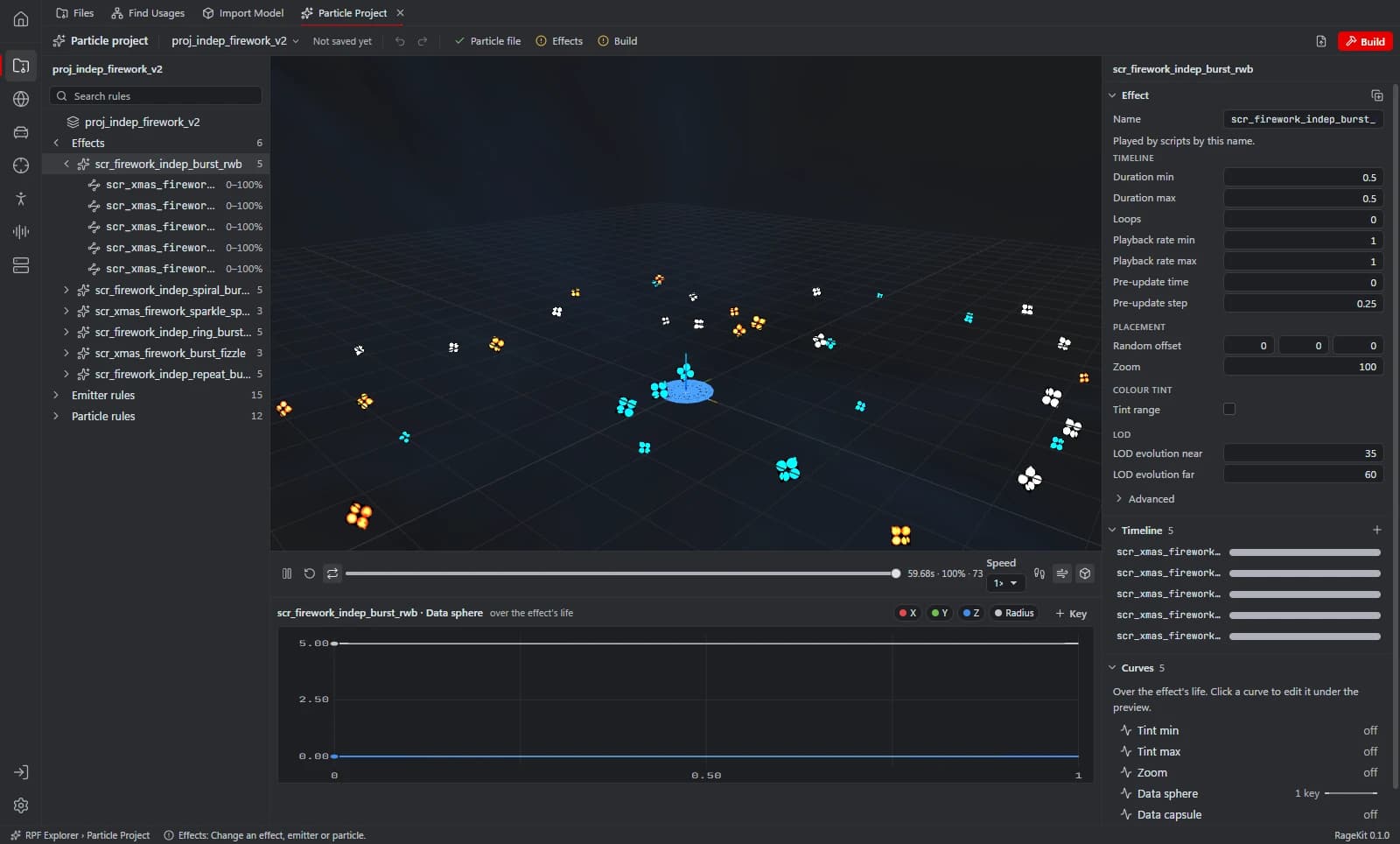
What it does
- Add, duplicate, rename and remove effect, emitter and particle rules; references are followed
- Edit behaviours and keyframe curves in a curve editor
- A preview that's close enough to judge a change
- Edit in place (in mods/) or save as a project and build
How it works
Open a .ypt
Select a .ypt in the RPF Explorer.
Edit rules
Change emitters, particles and curves.
Save or build
Save in place in mods/, or save as a project and build it.
File formats
| File | RageKit | Notes |
|---|---|---|
.ypt | Reads and writes | Particle dictionaries; embedded textures and models are read-only |
Free and Premium
Opening, editing, previewing, checking and saving projects is free with no account. Premium unlocks the final Build: a FiveM resource, a singleplayer DLC pack, an OIV package, a copy in the game's mods folder, or a deploy to your local FiveM server.
Good to know
- Embedded textures and models can't be edited; textures are swapped by name.
- Lights, decals, fog volumes and liquids aren't simulated in the preview.
- GTA V Enhanced files can be opened, viewed and exported, but RageKit only writes files for GTA V Legacy.
Questions
How do I use a custom particle effect in FiveM?
Build the project as a FiveM resource and load the asset in your script with RequestNamedPtfxAsset.